

Responsive Remote IT Support Wherever Your Team Works

Resolve supported IT issues remotely with practical troubleshooting, secure remote assistance and monitoring options that help keep your team productive.
Get a Free ConsultationWhen employees encounter device, software or connectivity problems, waiting for an on-site visit may delay their work with confidence
When employees encounter device, software or connectivity problems, waiting for an on-site visit may delay their work. Remote support can help diagnose and resolve many issues using secure access tools. We IT People can assist with supported computers, applications, accounts and network-related issues, depending on the problem and available access.
Our approach is tailored to your environment, requirements and agreed service scope, with practical recommendations to help support reliable day-to-day operations.
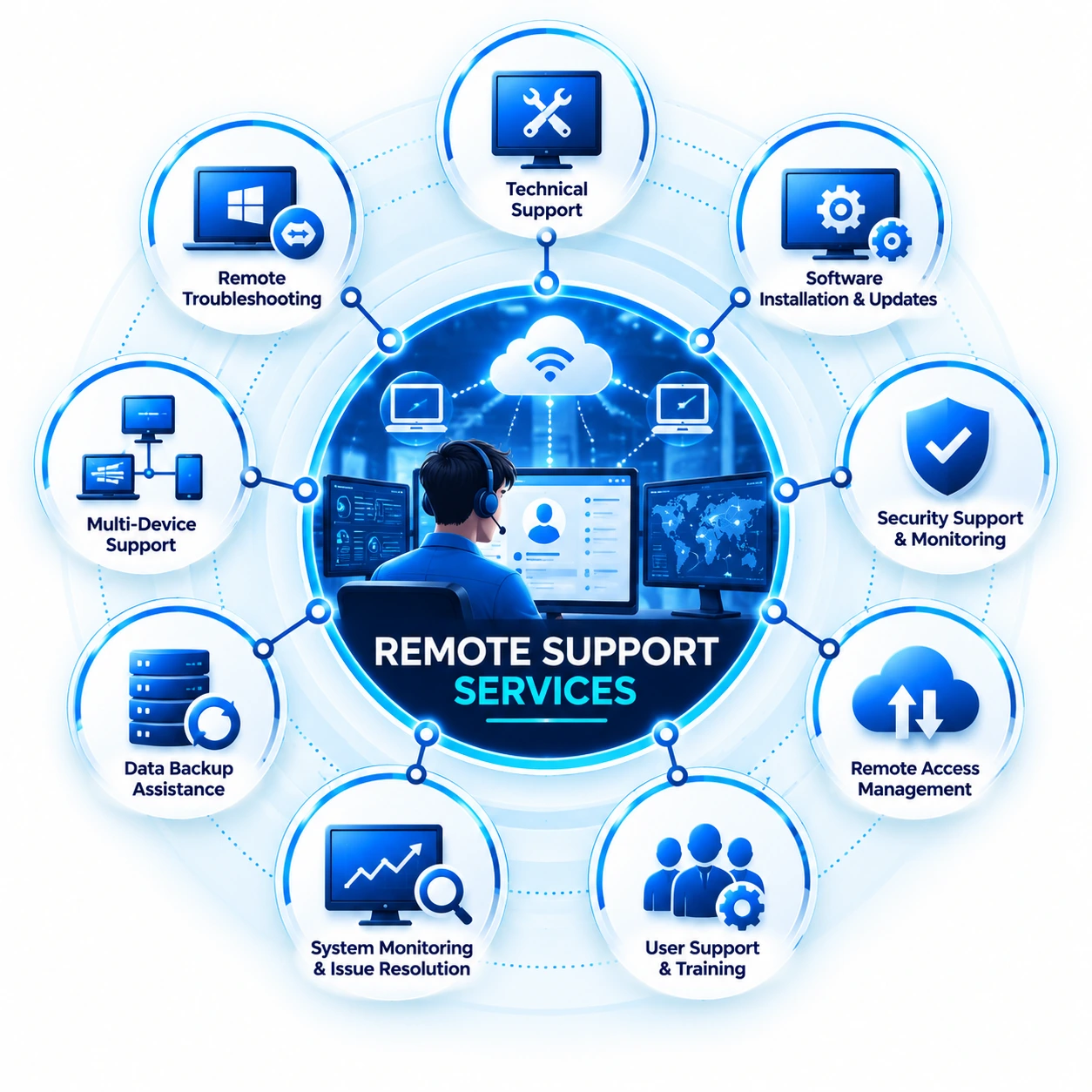
Remote Support Services Solutions
Practical services designed around reliability, security and everyday business productivity.
Remote Desktop Assistance
Troubleshoot supported devices and applications through secure remote sessions.
- Desktop and laptop support
- Application troubleshooting
- Configuration assistance
Software & Device Issues
Investigate common software, driver and device problems.
- Software issue diagnosis
- Driver and update guidance
- Device configuration support
Connectivity Troubleshooting
Help diagnose supported network, VPN and access issues.
- Internet and network checks
- VPN connectivity assistance
- Access troubleshooting
Remote Monitoring
Use agreed monitoring practices to identify system concerns.
- System status checks
- Alerts and issue investigation
- Performance observations
Secure Remote Access
Consider permissions and secure connection practices during support.
- Access verification
- Least-privilege approach
- Session security awareness
User Assistance & Guidance
Help users understand issues and follow practical resolution steps.
- User guidance
- Issue documentation
- Follow-up recommendations
Support your team from anywhere
Remote assistance can help address common IT issues without waiting for an on-site visit, while keeping the support process clear and secure.
talk to our teamConvenient Assistance
Address suitable technical issues without requiring an on-site visit.
Support for Users
Help employees resolve supported device, application and access problems.
Secure Sessions
Use approved access methods and appropriate permissions.
Clear Follow-Up
Document issues and recommend next steps when needed.
Solutions for Different Business Needs
Service planning adapted to your environment, users and operational priorities.
Retail
Education
Logistics
Healthcare
Professional Services
Growing Businesses
How Our Remote Support Services Work
Request & Triage
We gather details about the issue, affected user and business impact.
Secure Connection
Where appropriate, we arrange an approved remote session.
Troubleshooting
We investigate the issue and apply suitable resolution steps.
Confirmation & Follow-Up
We confirm the outcome and outline any further recommendations.
Frequently Asked Questions
They help diagnose and resolve supported IT problems using secure remote access tools instead of requiring every issue to be handled on-site.
Many software, device configuration, account access and connectivity issues may be handled remotely. Some hardware faults require on-site assistance.
Remote sessions should use approved tools, appropriate permissions and secure access practices.
Remote support can assist distributed employees with supported devices, applications and connectivity issues within the agreed scope.
Some server and network issues can be investigated remotely when suitable monitoring, access and authorization are available.
Some troubleshooting may require closing applications, restarting a device or scheduling a short maintenance window.
If physical access or specialized diagnostics are needed, we can discuss appropriate next steps.
Contact We IT People with issue details, the affected device or user, and any error messages.
Need help with an IT issue?
Tell us what your team is experiencing and discuss whether remote support is suitable for your issue.
Contact Us